Products
Support
About Us
Products
Support
About Us

Grant BIM Library
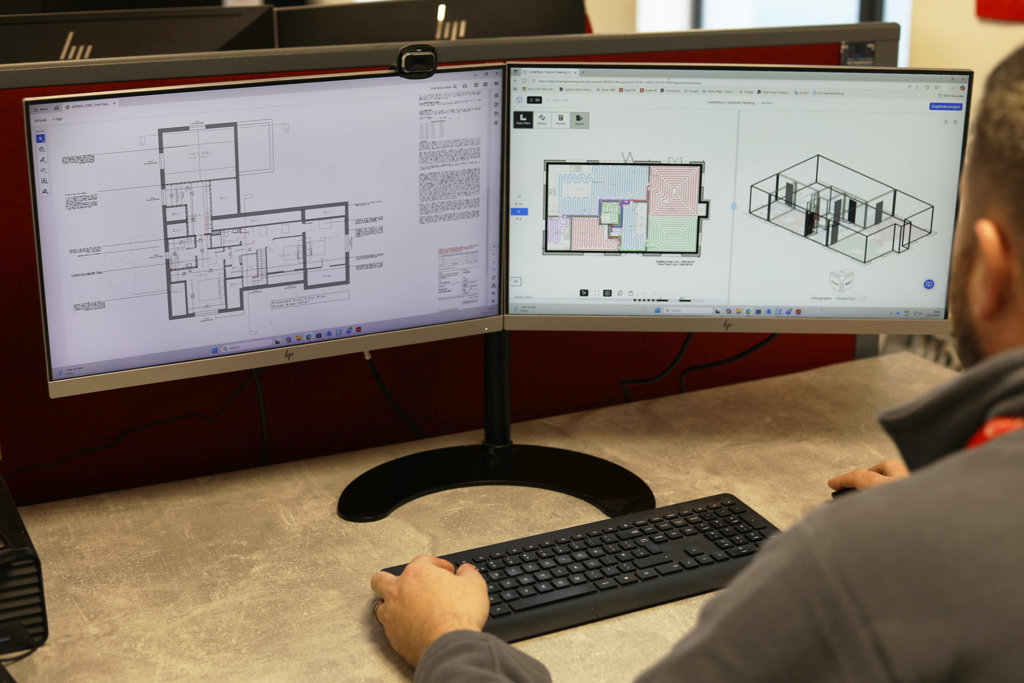
Welcome to the Grant Product Building Information Modelling (BIM) Library. View and download our collection of BIM objects for air source heat pumps, including our Aerona R290 and R32 heat pumps, and heat emitters. Our BIM Library is designed to help you seamlessly plan your heating projects. Whether you are an architect, specifier or developer, our BIM library provides the resources you need to bring your vision to reality.

Grant Aerona R290 4kW R290 Air Source Heat Pump
4kW inverter driven air-to-water R290 heat pumpUses the more environmentally friendly R290 refrigerant
Quiet Mark accredited and Connect & Notify approved
Grant Aerona R290 6.5kW R290 Air Source Heat Pump
6.5kW inverter driven air-to-water R290 heat pumpUses the more environmentally friendly R290 refrigerant
Quiet Mark accredited and Connect & Notify approved
Grant Aerona R290 9kW R290 Air Source Heat Pump
9kW inverter driven air-to-water R290 heat pumpUses the more environmentally friendly R290 refrigerant
Quiet Mark accredited and Connect & Notify approved

Grant Aerona R290 12kW R290 Air Source Heat Pump
12kW inverter driven air-to-water R290 heat pumpUses the more environmentally friendly R290 refrigerant
Quiet Mark accredited and Connect & Notify approved
Grant Aerona R290 16kW R290 Air Source Heat Pump
16kW inverter driven air-to-water R290 heat pumpUses the more environmentally friendly R290 refrigerant
Quiet Mark accredited and Connect & Notify approved

Grant Aerona³ 6kW R32 Air Source Heat Pump
6kW inverter driven R32 air-to-water heat pumpCompact size and footprint
Connect & Notify approved
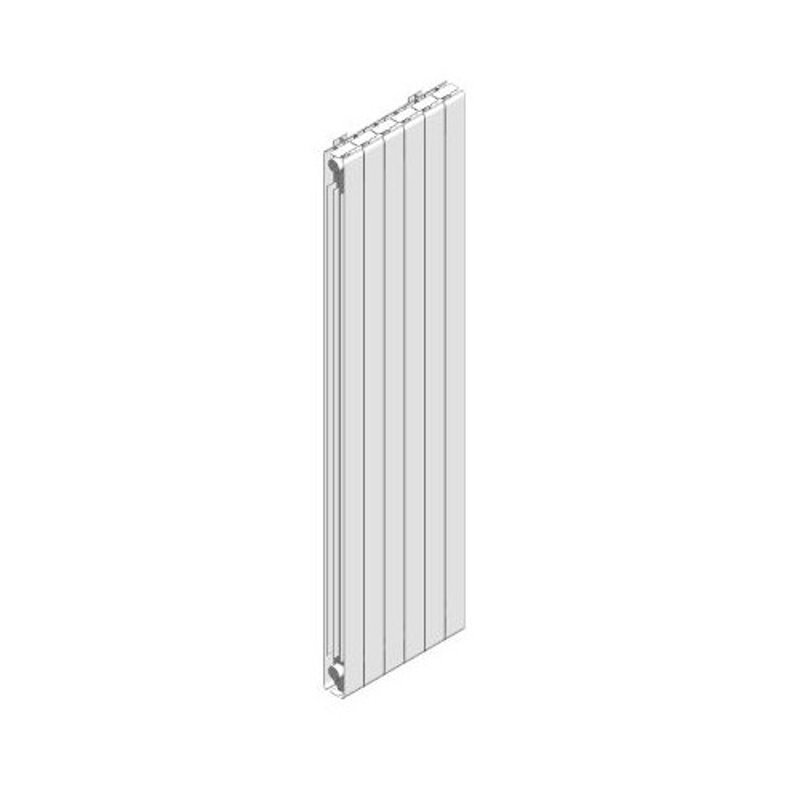
Afinia Vertical Radiators
Available in two heights (1,842mm and 2,042mm)More efficient than traditional radiator materials
Complies with European Standards (UNI EN 44-2)

Afinia Horizontal Radiators
Available in three heights (430mm, 580mm and 680mm)More efficient than traditional radiator materials
Complies with European Standards (UNI EN 44-2)
What are BIM Objects
A BIM object is a digital file that provides a detailed 3D model of a building product or material for use in project planning software for new build and deep retrofit projects. Each BIM object file includes essential product data and functional information, along with precise geometry that reflects its real-world form and appearance. These information-rich files typically include material specifications, performance characteristics, manufacturer information, and energy-efficiency ratings. In design environments, a BIM object acts as a virtual version of the actual product, enabling accurate planning, analysis, and visualisation.

Why use Grant BIM Objects?
Grant’s air source heat pump and aluminium radiator BIM objects are ready-made components designed with fixed, accurate geometry. By downloading any of our BIM files, you can easily integrate low-carbon heating systems into your designs and choose from a highly efficient and visually appealing range of heat emitters. Each of our Building Information Modelling objects include comprehensive product specifications to help you plan projects with precision and meet key regulatory requirements, such as Part L of the building regulations.

Support using Grant BIM Objects
Our BIM objects are provided in .rfa format and are fully compatible with Revit BIM programme software. The library includes individual BIM files for all Grant Aerona air source heat pumps, covering both R290 heat pump models, and R32 heat pump, as well as dedicated BIM objects for our horizontal and vertical Afinia aluminium radiators.
To access any BIM file, simply click the ‘Download’ icon beside the product. For detailed technical specifications, performance data, and installation information, select the ‘Product Details’ button located next to each model.

Speak to our Technical Team
If you need assistance downloading BIM Objects, or if you would like to speak to a member of our Technical Team.
Contact Us